
▶ Rather watch than read? Here’s the five-minute version:
One helical-pier job on a settling house can invoice at fifteen, maybe twenty thousand dollars. In most markets, that single contract would cover months of Google Ads, sometimes a full year of them. And yet foundation repair is the trade where I watch owners agonize over ad spend the hardest. Five hundred a month feels risky. Two thousand feels reckless.
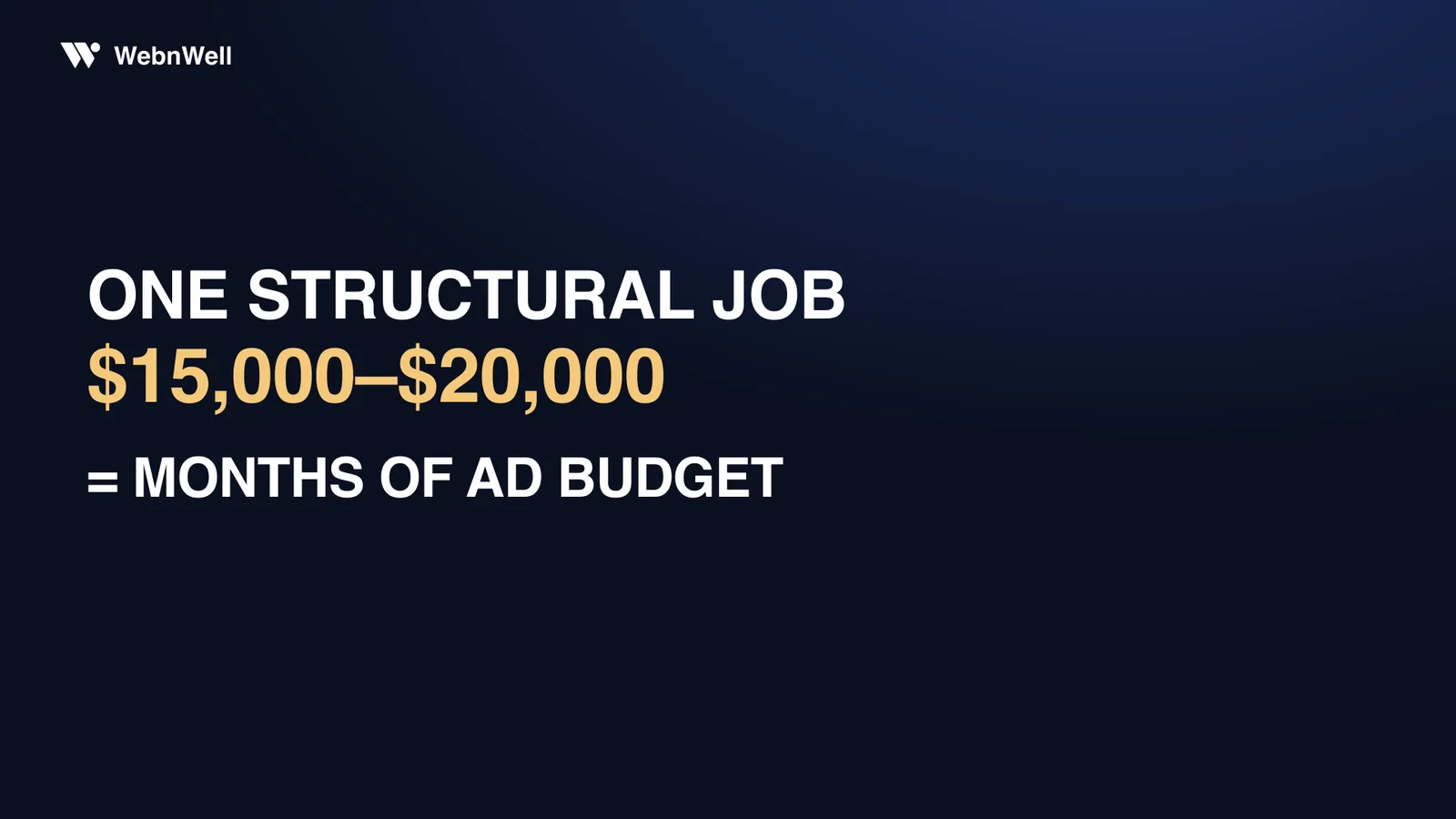
Here’s the uncomfortable part: both instincts are right. The job really can pay for the ads many times over. And the fear really is rational, because in an account with no tracking, spending is gambling, and your gut knows it long before your accountant does.
I’m Monzurul Hasan. I’ve had my hands inside more than 1,400 Google Ads campaigns for local service businesses, and the gap between contractors who profit from ads and contractors who swear ads don’t work almost never comes down to budget. It comes down to one piece of napkin math and three leaks. Math first; it’s the part that kills the fear.
The fear is rational. The fix is arithmetic.
Foundation repair is close to the worst-case setup for gut-feel advertising. The ticket is high, so every experiment feels expensive. The sales cycle is slow (a homeowner might book your inspection in week one and sign in week six), so cause and effect drift apart until nothing looks connected. And a lot of the real action happens on the phone, where a default analytics setup is blind.
Stack those up and you get an owner staring at a monthly ad bill with no idea whether it produced three jobs or none. Of course spending feels scary. Untracked spend should feel scary.
The fear of ad spend isn’t a courage problem. It’s an accounting problem. Once every dollar traces to a booked inspection or a dead end, the fear turns into arithmetic.
So before touching keywords, budgets, or anything inside the Google Ads interface, work out the one number that makes every other decision easy.
Find your allowable cost per lead
You need three numbers you already have: average job value, rough margin, and how many qualified leads it takes to sign one job. Here’s the whole napkin for a hypothetical structural contractor. Every figure below is a stand-in, so redo the sums with what your books really say:
| Step | Example number | Where it comes from |
|---|---|---|
| Average job value | $15,000 | Your books |
| Profit left in the job at a 45% margin | ~$6,750 | Your books |
| What you’d trade to win it (a third of that profit) | ~$2,250 | Your call |
| How many qualified leads sign | 1 of 3 | Your last ten quotes, counted honestly |
| Allowable cost per lead | ~$750 | $2,250 ÷ 3 |
Read that bottom line again. This contractor can pay up to seven hundred and fifty dollars for a single qualified lead and still bank thousands of profit on every job. Most owners have never seen ad math laid out this way, which is exactly why a $40 click feels outrageous and a $500 month feels like a gamble. Against a $750 ceiling, they’re not.
The ceiling also puts every lead source you use on one scoreboard. A shared lead from a platform carries a sticker price nowhere near $750. That looks like a bargain until you remember the same homeowner is often sold to several companies at once, so your real cost per signed job balloons while the sticker price stays small. Exclusive leads from your own ads usually cost more per lead and less per job. That’s the trade.
I’ve written the full budgeting version of this math (click prices, monthly budgets, when to scale) in how much to spend on Google Ads. For this post, hold onto the one number: your allowable cost per lead.
One napkin per service
Run the same math on a $25,000 full-perimeter stabilization and the ceiling climbs to about $1,250. Run it on an $800 crack injection and it collapses. Which is why structural work, waterproofing, and small repairs should never share one campaign and one budget: a $750 lead ceiling and a double-digit one can’t live under the same settings. Split them. Let each service’s own math set its own limits.
Where the money goes
When an owner tells me “we tried Google Ads and it didn’t work,” I already know what I’ll find in the account. Three leaks, usually all of them at once.
Wrong-intent clicks
A good chunk of foundation-related searches come from homeowners researching a DIY epoxy fix, not hiring anyone. Google will happily charge you for their clicks unless you keep a negative-keyword list: a running blocklist of searches you refuse to pay for: DIY phrases, job seekers, product brands, towns you don’t serve. In most self-managed accounts that list is empty or ten entries long. It should grow every week, forever, fed by the actual searches that triggered your ads.
The everything homepage
A homeowner searching “bowing basement wall” has one problem and one question: can you fix this? If your ad drops them on a generic homepage that makes them hunt for the answer, they hit the back button and call whoever shows them a braced wall. The click cost the same either way. It just bought nothing. Match the page to the problem: a bowing-wall click lands on a bowing-wall page, with before-and-after photos, your warranty, and one obvious next step. Google also charges relevant ads less per click than lazy ones; the auction is built to reward the ad that answers the search.
The callback that came second
Scared people move fast. A homeowner who just found a horizontal crack fills out three forms in ten minutes, and the first contractor to respond usually wins the inspection slot. The third gets voicemail. If your leads land in an inbox you check after dinner, your ad budget is quietly funding a competitor’s pipeline. This is the cheapest leak to fix and the one with the fastest payback. I broke down the whole follow-up system in speed to lead.
None of the three leaks is fixed by spending more. All three are fixed by wasting less — and every dollar you stop wasting makes the next dollar work harder.
Plugging leaks isn’t a consolation prize, either. When a roofing contractor came to us with this exact disease, cleaning up those three leaks, with no extra budget, delivered 61 exclusive leads in 30 days at a cost per lead 25% below where it started. Another client, BlastOff360, turned twelve hundred dollars of spend into 66 tracked conversions in a single month; the pipeline value came to nearly twenty grand, on an account size plenty of agencies would refuse to take. Different trades, same lesson: the account’s hygiene mattered more than its size.
What does a well-run account check every week?
Nothing glamorous. It’s closer to weeding than strategy. Four checks:
- The search-terms report. The list of real searches that triggered your ads. Read it, kill the junk, grow the negative list.
- Cost per lead against your allowable. Under the ceiling, keep going. Over it, find which keyword or page is leaking.
- Every lead’s outcome. Booked, quoted, signed, or dead. Until leads connect to jobs, you’re measuring noise.
- Budget by service and area. Money drifts toward whatever spends easiest, not whatever signs best. Pull it back on purpose.
Weekly is the minimum. It’s why we built our own optimization software to check client accounts daily: a leak spotted the morning it opens costs a few clicks, not a month of budget. That cadence is why Pacific Rigging Loft stopped losing money within its first three days with us, logging about 25 tracked calls in the first week. That’s the standard a foundation contractor should hold any account to, whoever runs it.
Don’t run ads yet if any of these is true
An honest answer cuts both ways, so here’s when I’d tell you to keep your wallet shut:
You can’t trace a lead to a job. Fix tracking first. It’s cheap, it’s fast, and without it you’ll quit ads at exactly the wrong moment, or keep spending at exactly the wrong moment. Both happen constantly.
Nobody can answer the phone. If your crew’s under houses all day and calls roll to voicemail, ads just make the missed calls more expensive. Solve follow-up first. Then buy more calls.
Your website fails the phone test. Pull your site up on your own phone, on cell data, standing in a parking lot. If it loads slowly, hides the number, or offers no obvious next step, fix the bucket before you pay for water.
None of these means Google Ads doesn’t work for foundation repair. They mean the channel amplifies whatever it’s pointed at.
Ads are an amplifier. Pointed at a tight operation, they make it louder. Pointed at a leaky one, they make it poorer.
One of our clients, Yaba Cisse, puts a dollar in and, by his own count, gets about eight back — he says it on camera. Returns like that get built on boring plumbing: tracking, fast callbacks, pages that match problems. The spend comes last.
Run this math on your own market
Every dollar figure in this post was a placeholder; the click prices in your zip codes are real, and they’re findable. That’s the point of the free market audit: I pull what clicks actually cost in your towns, run this exact allowable-lead math against your numbers, and record a video walking through where the arithmetic lands. If it says ads won’t pay in your market yet, the video says that too — either way you stop guessing.