
▶ This one exists as a video too — five minutes, same fix:
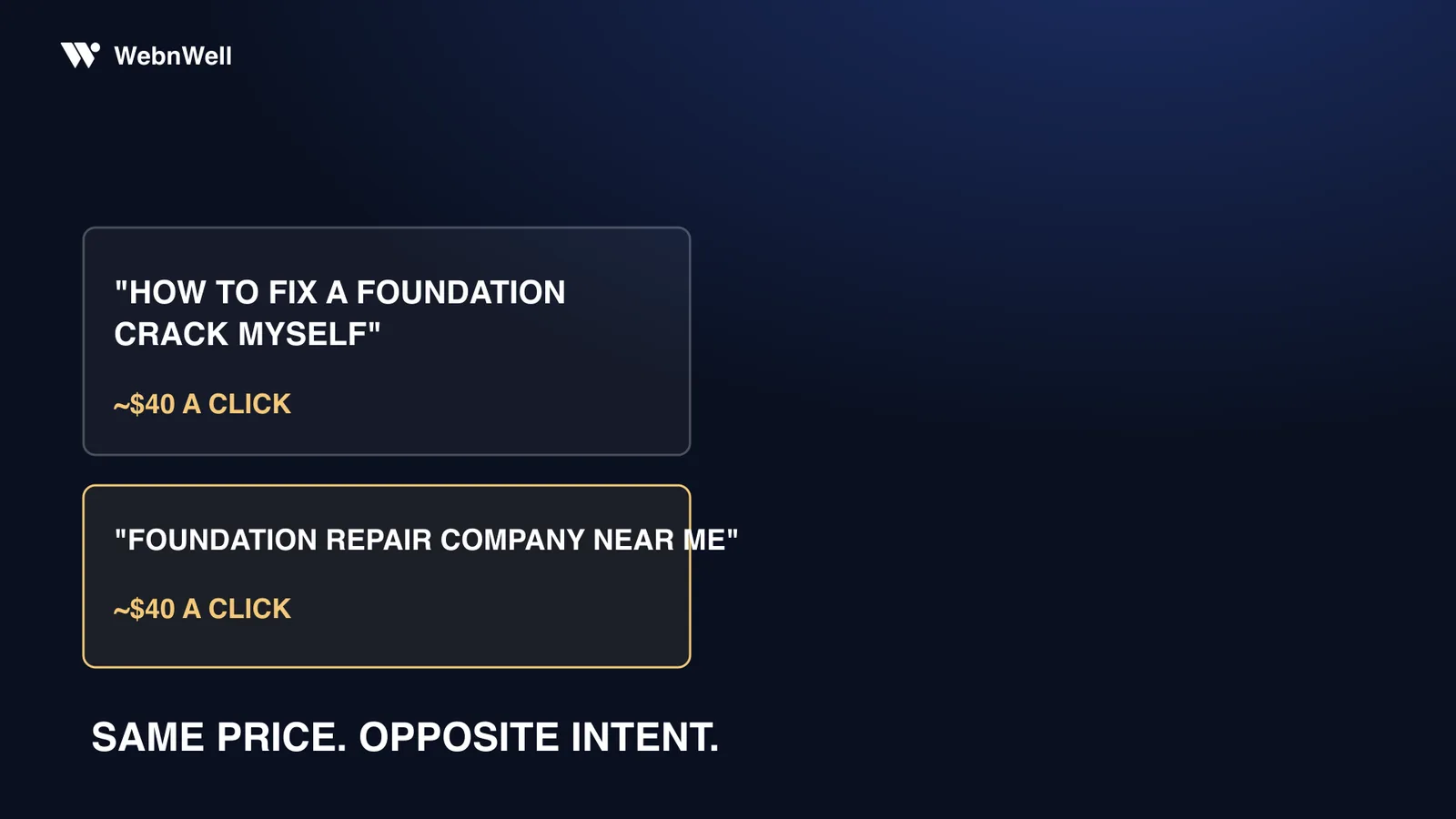
Two people in your service area typed these into Google last night:
| Search one | Search two |
|---|---|
| “how to fix a foundation crack myself” | “foundation repair company near me” |
Both of those searches can pull your ad into the same auction, and when the wrong one clicks, it can cost you just as much as the right one. In competitive foundation and waterproofing markets that click can cost serious money; the worked examples in this post run at $40 a click, a stand-in you should replace with the real figure from your own account. One of those two people wants your crew, a quote, and a signed contract. The other wants a YouTube tutorial and a tube of epoxy from the hardware store. Same auction. Opposite intent. And unless you’ve specifically told Google otherwise, your ad shows to both. The epoxy guy clicks more than you’d think, because he’s in research mode. He clicks everything.
The most common leak in a self-managed contractor account (I’ve looked inside more than 1,400 campaigns’ worth of them by now) isn’t the bidding, and it isn’t the budget. It’s paying real money for clicks from people who had no intention of hiring a contractor. The fix is called a negative keyword list. It costs nothing but attention, and by the end of this post you’ll know exactly how to build one.
You’re not bidding on keywords. You’re buying clicks.
Here’s the mechanic almost nobody explains when you open a Google Ads account. You choose keywords, say “foundation crack repair.” That feels like an instruction: show my ad to people who search this. It isn’t. Unless you deliberately fence it in, Google treats your keyword as a theme, not an instruction, and decides for itself which searches are “close enough.”
That’s broad match. Phrase match is tighter, exact match tighter still. But every match type has gotten looser over the years, and even “exact” isn’t literal anymore. Day to day, Google’s matching system decides that a guy researching epoxy at 11pm is close enough to a homeowner who needs piers. Both searched about foundation cracks. Both saw your ad. Both got billed at your rate when they clicked.
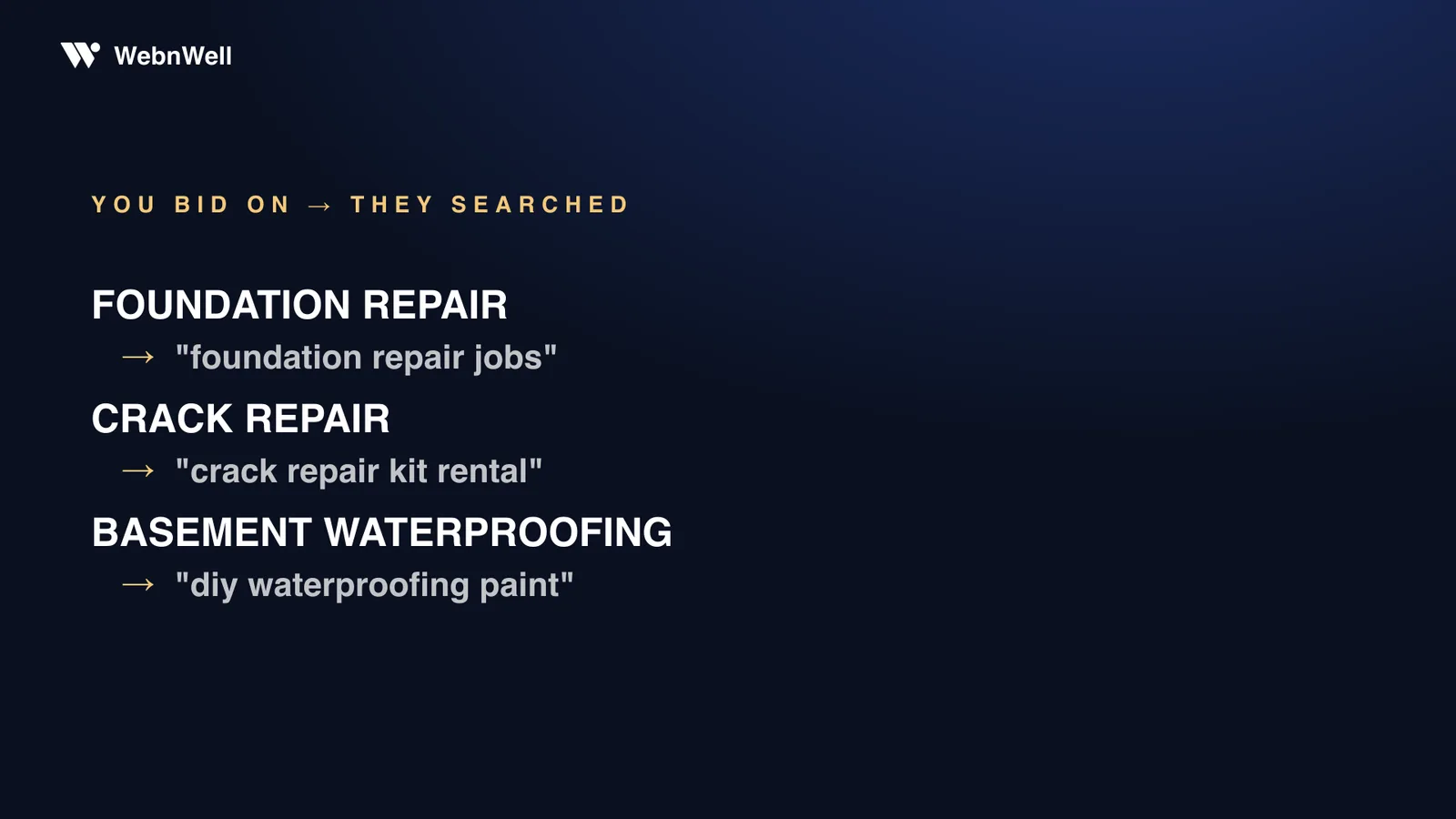
The expansions follow the same patterns in almost every contractor account I open:
- You bid on foundation repair; your ad shows for foundation repair jobs near me.
- You bid on crack repair; your ad shows for concrete crack repair kit.
- You bid on basement waterproofing; your ad shows for DIY basement waterproofing paint.
Nobody at Google is doing this to you personally. The system is built to spend your budget, and it defines “relevant” generously. You can grumble about that or fence it in. The system doesn’t care which you choose.
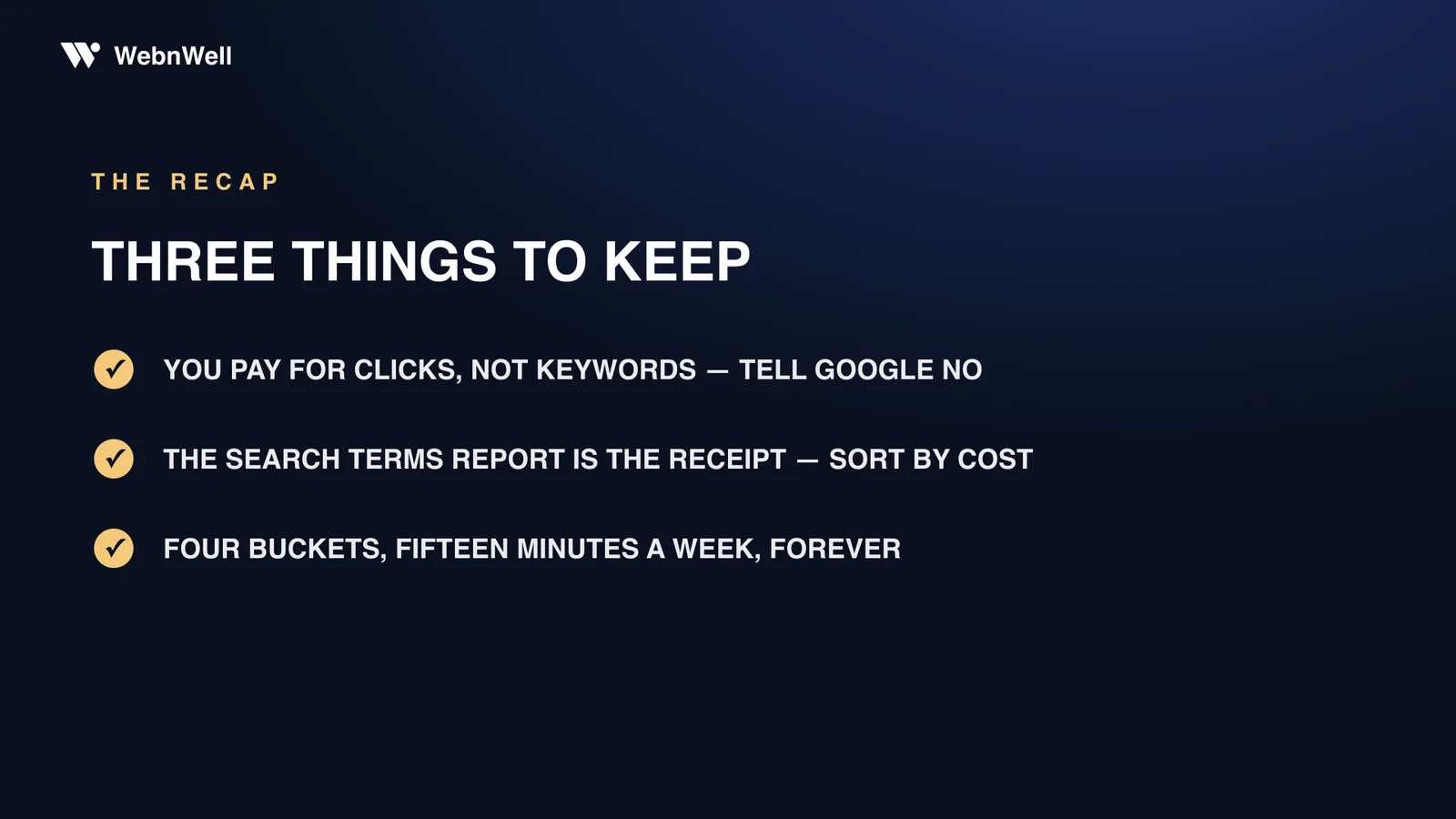
You don’t pay for keywords. You pay for clicks, and Google decides which searches count as a match unless you tell it no. A negative keyword is how you tell it no.
Where’s the money going? One report answers it
There’s one report that answers this, and most owners I talk to have never opened it. In Google Ads it lives under Insights and reports → Search terms. It’s the list of the actual words people typed before they clicked your ad (not your keywords, their searches), with the cost sitting next to each one.
Treat it like a receipt. Sort by cost, highest first, and read down the list. You’re hunting four kinds of clicks.
The four flavors of wasted click
DIY researchers. “How to,” “myself,” “DIY,” “tutorial,” “video.” This is the homeowner planning a Saturday project. He might become a customer in a few years when the epoxy doesn’t hold. He isn’t one now.
Job seekers. “Foundation repair jobs,” “hiring,” “salary,” “apprentice.” Somebody wants a paycheck, not a pier system. These clicks are pure loss.
Material shoppers. “Epoxy,” “crack injection kit,” “sealant,” “hydraulic cement,” plus retailer names. They’re comparing products, not contractors.
Out-of-area searches. City and county names you don’t serve. Location settings are looser than most owners assume: by default, Google can show your ad to people merely interested in your area, not just standing in it. So wrong-geography terms turn up in almost every account I audit.
Put a number on the leak
Treat every line in this table as a placeholder; the shape of the math is the point. Two minutes in your own search terms report swaps the placeholders for your real numbers.
| Line | Example number |
|---|---|
| Clicks you bought last month | 250 |
| Terms with DIY, job, material, or wrong-city intent (say 1 in 5) | 50 clicks |
| Cost per click (example market) | $40 |
| Wasted that month | $2,000 |
| Wasted over a year | $24,000 |
If your average structural job runs around $14,000, that’s over a job and a half of ad spend a year, burned on people who were never in the market. There’s a quieter second cost, too: junk searches that don’t get clicked drag down your click-through rate, and weak click-through rates can make your good clicks more expensive over time. The waste compounds in both directions.
The search terms report is the receipt for every dollar Google spends on your behalf. Read it before you raise a budget, blame the market, or fire an agency.
Build the list in four buckets
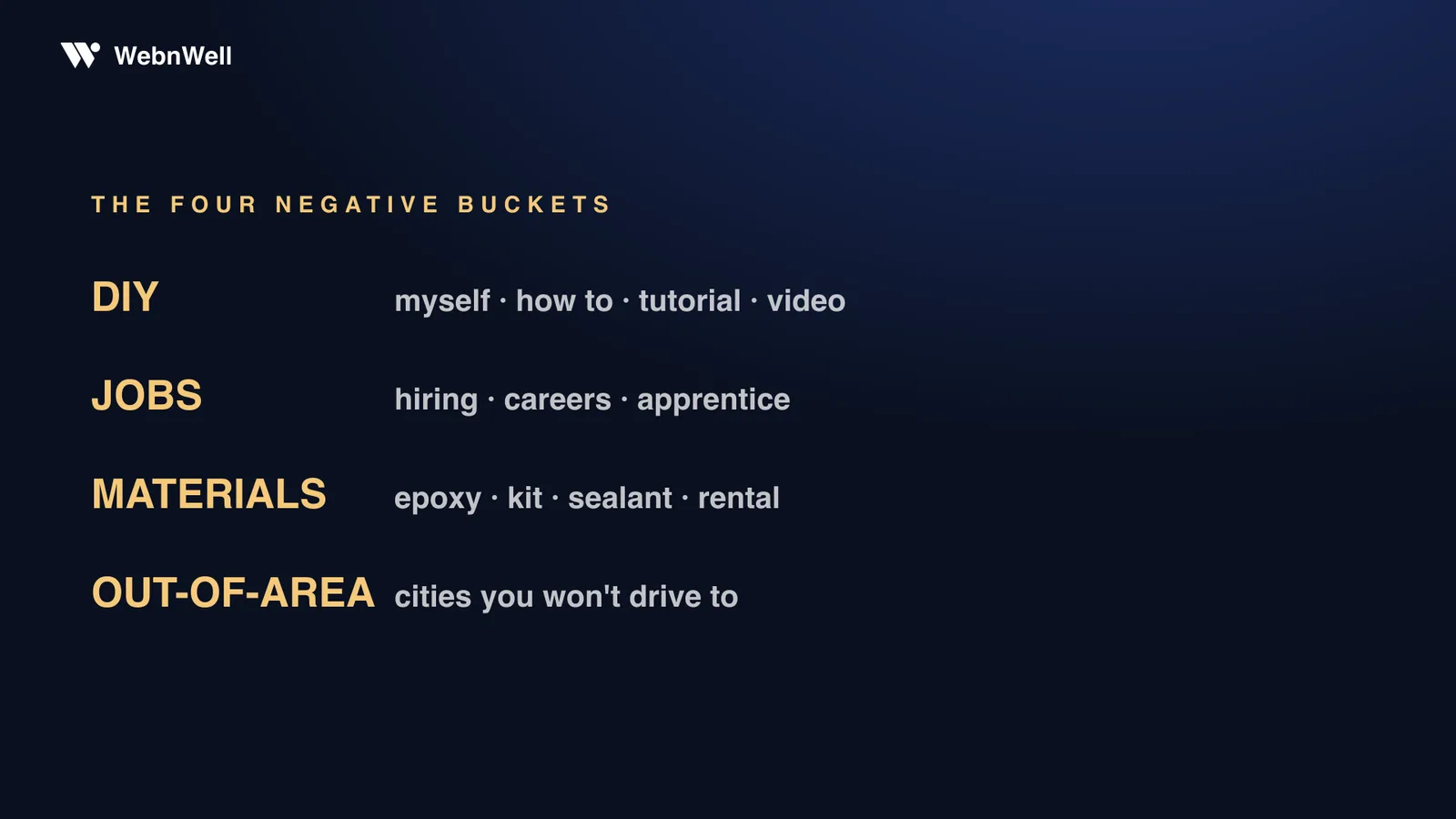
A negative keyword tells Google: never show my ad for searches containing this. Most guides to negative keywords for contractor Google Ads hand you a giant list to paste in blind. I’d rather give you a short one, organized the same way you just hunted, with a warning after the table.
| Bucket | What they really typed | Starter negatives |
|---|---|---|
| DIY | “how to fix a foundation crack myself” | myself, how to, diy, tutorial, video, youtube |
| Job seekers | “foundation repair jobs near me” | jobs, hiring, careers, salary, apprentice, resume |
| Material shoppers | “foundation crack epoxy kit” | epoxy, kit, sealant, hydraulic cement, rental, home depot, lowes |
| Out-of-area | “foundation repair [city you don’t serve]” | every city, county, and neighborhood outside your service map |
Negatives have match types too, but the plain-English version is all you need: add most of these as phrase-match negatives, which block any search containing that word or phrase. “Myself” as a phrase-match negative kills “fix foundation crack myself,” “waterproof basement myself,” and every variation you haven’t thought of yet. Once you’re running more than one campaign, put the buckets in a shared negative list at the account level: build it once, apply it everywhere, update it in one place.
The negatives that backfire
Slow down before you block anything that merely sounds cheap. I’ve watched owners torch their own best traffic with one careless negative. “Cost” feels like a tire-kicker word, but “foundation repair cost” is what a serious homeowner types a week before booking three inspections. Same with “price.” Same with “estimate”: “free estimate” is a buyer, not a freeloader. The rule: never add a negative from imagination. Add it from the report, after you’ve read the real searches containing that word. If a word shows up in both junk searches and buyer searches, block the specific junk phrases, not the word.
The list is never finished
People type new things every week. A new product gets popular, a new subdivision gets built, and spring-thaw searches look nothing like August-drought searches. A negative list isn’t a project you finish in an afternoon. It’s a habit. Fifteen minutes, once a week: open the report, sort by cost, add what’s new. Miss a month and the bleed creeps back.
Cleanup like this pays fast. When Pacific Rigging Loft handed us their account, it went from bleeding money to break-even in its first days, and the first thing we opened was this exact report, to find out where the money had been going.
A negative keyword list is never finished. It’s not a project, it’s a habit. Fifteen minutes a week, forever.
What negatives won’t fix
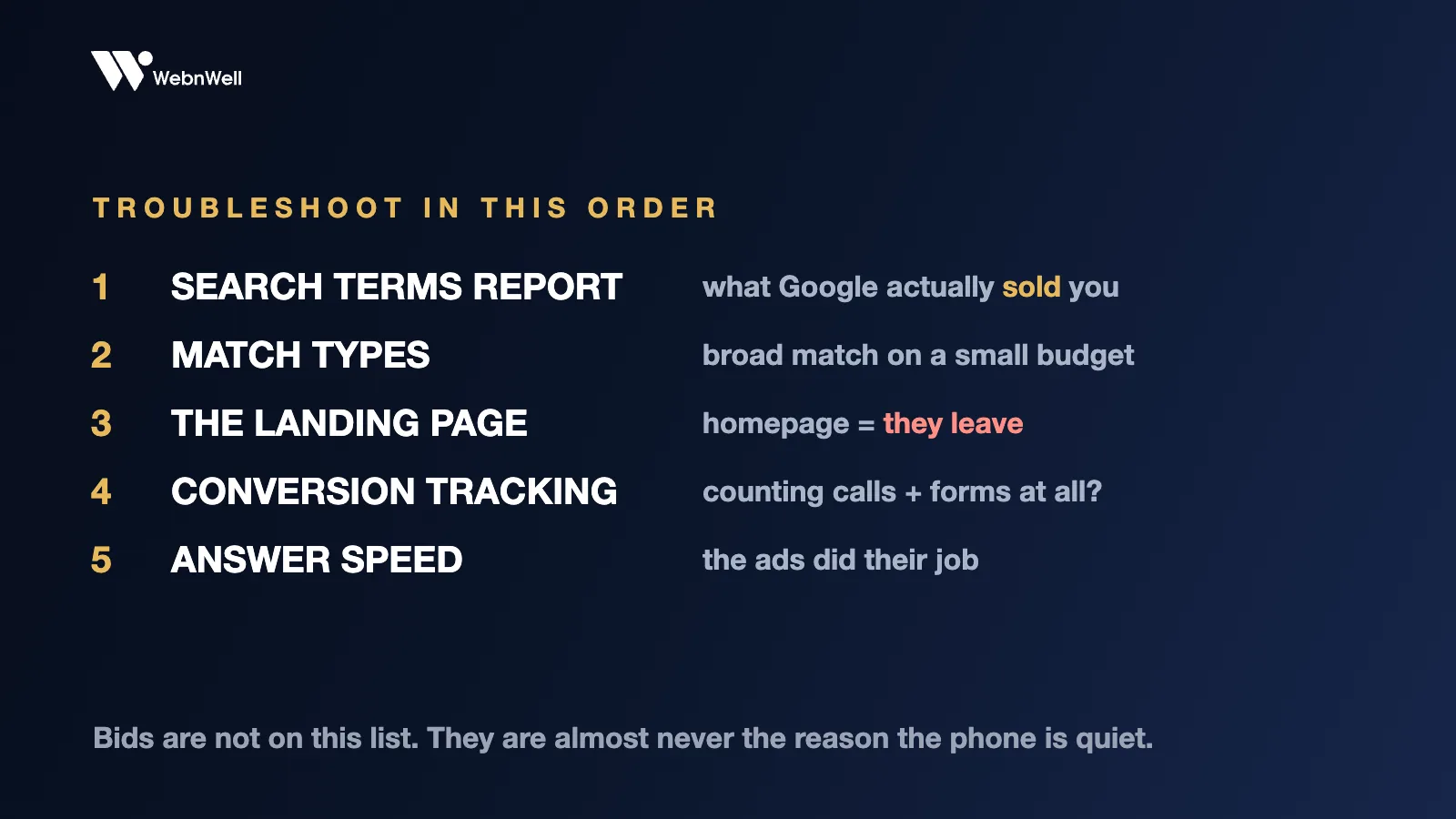
Honesty, because this post would be useless without it: negative keywords stop bad clicks. They don’t make good clicks convert. If the right homeowner clicks your ad and lands on a slow, generic homepage, or fills out a form nobody answers for six hours, you’ve fixed the intake and left the rest of the machine broken. I’ve covered the budget math that tells you what a lead is worth separately, and answering leads fast (minutes, not hours) is the other cheap fix. The three together are most of what separates an account that prints from an account that drains: intent hygiene, the page, the follow-up. In every tracked turnaround we’ve run, the wins came from working all three at once, not from any single trick.
Your fifteen minutes tonight
- Open Google Ads. Insights and reports → Search terms.
- Set the date range to the last 30 days and sort by cost.
- Read the top 50 rows. Mark every DIY, job, material, and wrong-city search.
- Add ten phrase-match negatives across the four buckets.
- Put a recurring 15-minute slot on your calendar, same day every week, and do it again.
That’s the whole job. No new budget, no software to buy. Just money that stays in your pocket next month instead of teaching a weekend warrior which epoxy to buy.
What the audit finds in your search terms
You don’t have to make the first pass alone, either. My free market audit includes exactly this step: when there’s an ad account to look at, I read your search-terms report for you and record a video flagging the bleed line by line, alongside your market and competitors. You keep the findings either way, and once someone’s marked the junk for you, the negative list practically writes itself.